Why energy efficiency is now the AI hardware bottleneck
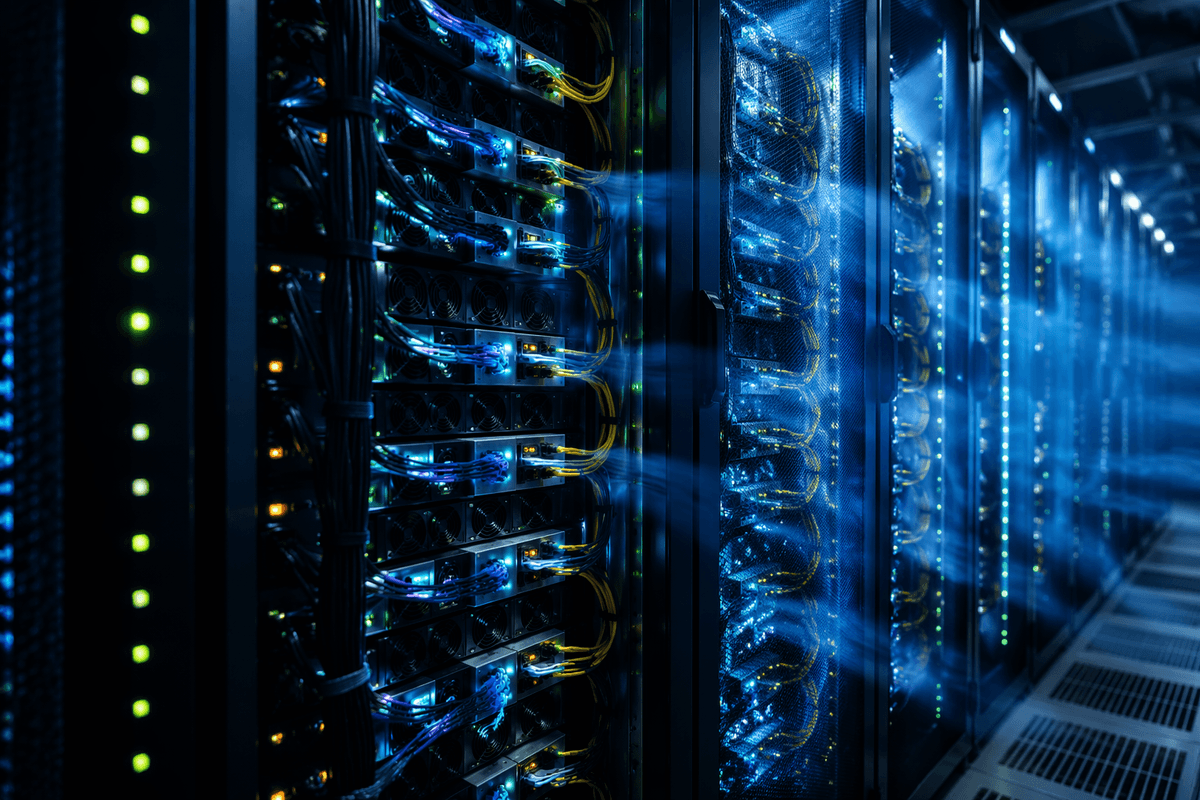
A few years ago, AI teams hit limits on raw compute or model quality. Now many hit a different wall first: the power they can draw, the heat they can remove, and the dollars tied to both. A faster accelerator is not “faster” if you can’t rack enough of them, can’t cool them at sustained load, or have to throttle clocks to stay within facility limits.
This shows up in everyday planning: a training run that used to be gated by GPU availability becomes gated by the data center’s megawatt budget, breaker capacity, and cooling headroom. At the edge, the same issue appears as battery life, fan noise, or thermal shutdown.
Energy efficiency turns into a scaling constraint because it compounds. More watts require more power delivery, bigger cooling systems, and often lower utilization when you’re forced into smaller deployments. Even when capex is approved, opex volatility, space constraints, and upgrade lead times make “just add more hardware” a slow, expensive answer.
What “efficient” actually means: perf-per-watt and total cost
A common mistake is treating “efficient” as a single number on a spec sheet. In practice, you care about how much useful work you get per unit of energy under your constraints. Perf-per-watt is a good starting point, but define “performance” in workload terms: tokens per second at a fixed latency, images per second at a target accuracy, or training steps per day at a fixed convergence goal.
Energy per unit of work makes comparisons harder to game. Track joules per inference, joules per token, or kWh per training run, and measure end-to-end (including CPU host, memory, storage, and networking). Then translate it to total cost of ownership: power and cooling, rack space, peak-demand charges, and the operational cost of keeping utilization high. A cheaper, lower-power device can still lose if software limits batching, causes idle time, or forces extra hardware to meet latency.
Start with the workload: training vs inference vs fine-tuning
Two teams can buy the same “efficient” accelerator and get very different energy results because training, inference, and fine-tuning stress the system in different ways. Training is long-running, fully loaded, and often limited by memory capacity and interconnect. Energy efficiency here is about sustained throughput at your target convergence, not peak TOPS, and about whether you can keep the cluster busy without stalls from data pipelines or all-reduce.
Inference is usually constrained by latency, variability, and utilization. A device that looks great at high batch size can waste energy when traffic is spiky and you’re forced into small batches to hit p95 latency. Measure joules per token (or per request) at the batch sizes you can actually run, including time spent idle or underclocked for thermals.
Fine-tuning sits in between: shorter runs, smaller batches, and more sensitivity to memory footprint. It can reward hardware with strong mixed-precision and plenty of memory, but it also exposes a practical cost—workflow friction—if your stack forces frequent data movement or limits which optimizers and quantization paths you can use.
Precision choices that cut energy without breaking accuracy
Most teams leave energy on the table by defaulting to FP32 or “whatever the framework picked.” Modern accelerators are built to be most efficient at lower precision, but the win only counts if you hold accuracy and stability constant. For training, BF16 is often the pragmatic baseline: it keeps a wide exponent range while cutting memory traffic and letting tensor cores run hotter. FP16 can be faster but is more fragile without careful loss scaling, especially on large models and long runs.
For inference, INT8 (and sometimes 4-bit weight-only quantization) can cut both compute and memory bandwidth, which usually matters more than raw TOPS. Some layers or activations need higher precision, and the time you spend validating regressions is real engineering cost. Treat precision as a per-model configuration, measured in joules per token at your actual latency target.
Choosing the silicon: GPUs, TPUs/NPUs, FPGAs, and CPUs
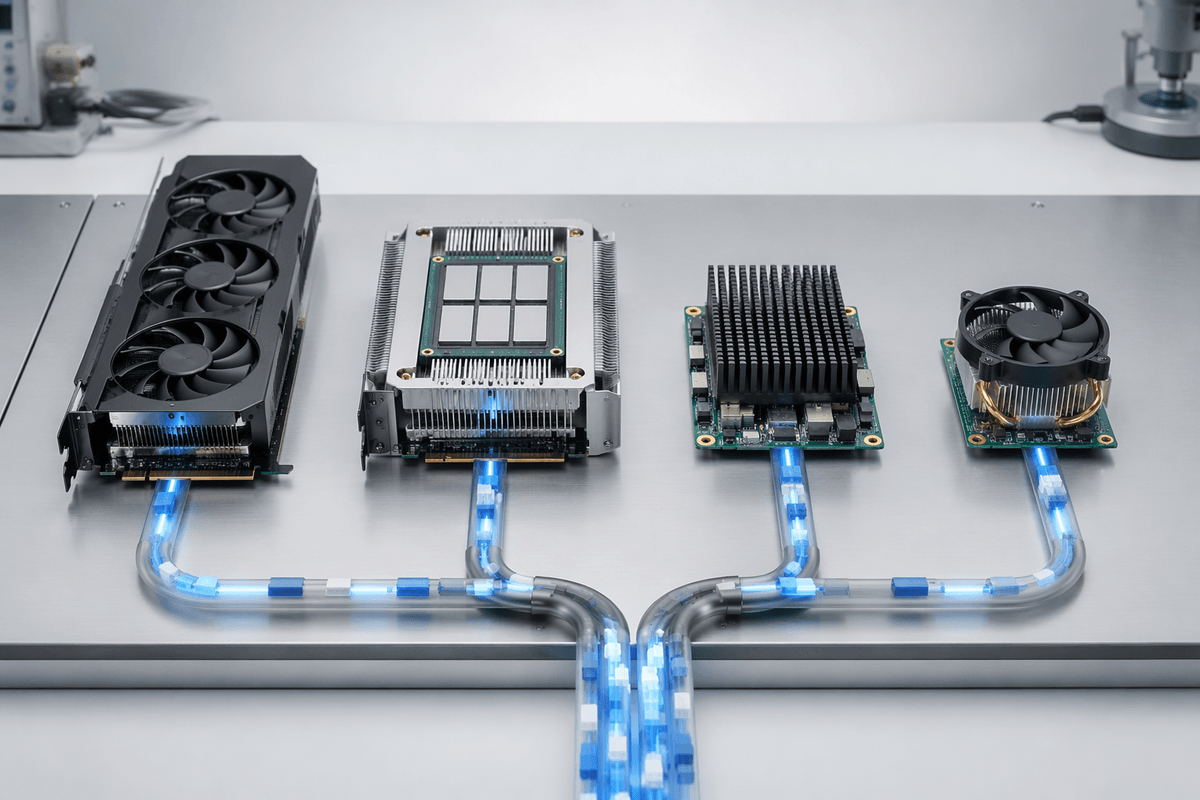
You can feel the silicon choice when you try to hit both a latency SLO and a power budget. GPUs are still the default because they’re flexible, well-supported, and strong for both training and large-model inference. The efficiency question becomes: can you keep them fed and busy? If your model is memory-bound or your batch sizes are small, a “better GPU” may not lower joules per token much because you’re paying for unused compute.
Specialized accelerators (TPUs in data centers, NPUs in phones and edge boxes) can win on energy when your workload matches their kernels and preferred precisions. The trade is portability and availability: fewer deployment targets, narrower operator coverage, and sometimes a bigger rewrite cost when you change model families or serving stacks. FPGAs can be efficient for stable, high-volume inference with fixed pipelines, but they shift cost into design time, toolchains, and longer iteration cycles.
CPUs rarely win on raw efficiency for large models, but they matter for smaller models, preprocessing, and as a “good enough” inference option when you need simple ops, tight integration, or high memory capacity per watt. The fair comparison is end-to-end joules per request under real traffic, not peak silicon specs.
The silent energy drain: memory, bandwidth, and data movement
Benchmark numbers often suggest the accelerator is the bottleneck, yet production tells a different story. Utilization may stay high while throughput barely improves after a hardware upgrade because the workload spends more time moving data than doing computation. Every transfer between HBM or DDR, host memory, and links such as PCIe, NVLink, or Ethernet adds latency and consumes power. Token-by-token decoding, expanding KV caches, and real-world batch sizes amplify that imbalance, turning what looked compute-limited in testing into a bandwidth-limited pipeline.
The biggest gains usually come from reducing data movement rather than adding raw compute. Keeping activations and KV caches on the accelerator, lowering precision to shrink memory traffic, and fusing kernels to eliminate unnecessary memory round trips all help keep data where it's needed. Choosing hardware with more memory capacity can also outperform a slightly faster processor if it avoids frequent offloading. Larger-memory accelerators, faster interconnects, and stronger networking typically increase upfront cost, but they often deliver lower energy consumption per token and steadier production performance than simply chasing higher peak TOPS.
System-level efficiency: cooling, power delivery, and utilization
You notice system-level losses when the same accelerator swings between “fast” and “mysteriously slow” depending on rack placement, inlet temperature, or time of day. If cooling can’t hold steady, hardware will downclock and your joules per token spike even though the silicon hasn’t changed. Liquid cooling, better airflow management, and higher allowable inlet temps can improve sustained performance, but they add plumbing complexity, maintenance overhead, and sometimes vendor lock-in.
Power delivery is another quiet limiter. High-density nodes can hit breaker, PSU, or busbar limits before they hit compute limits, forcing lower power caps that reduce throughput. Then utilization finishes the job: if you’re paying idle watts because batching is constrained by latency SLOs, or jobs sit queued due to data pipeline stalls, your facility efficiency doesn’t matter. Track end-to-end utilization (including networking and storage), and treat “keeping the system busy” as an energy feature.
A practical buying checklist for energy-efficient AI compute
A vendor datasheet won’t answer your real question, so bring your own scoreboard: joules per token (or per request) at your p95 latency target, plus kWh per full training or fine-tuning run with your actual data pipeline. Ask for measurements at the batch sizes you can sustain in production, not just “max throughput,” and require end-to-end numbers that include host CPU, memory, networking, and idle/underutilized periods.
Shortlist hardware by what it changes in your bottleneck: memory capacity/bandwidth, interconnect, or kernel coverage at your chosen precision. Then price the constraints you’ll live with—software stack maturity, portability, availability, cooling and power-delivery upgrades, and the engineering time to validate quantization and keep utilization high. If a platform only wins when perfectly packed, assume you won’t run it that way every day.